Qroda logo Qroda

Qroda

スマホ・タブレットで使えるQRメニュー&テーブル注文管理システム QR menu and table ordering system for phones and tablets

無料トライアル Free trial
シンプル料金 Simple pricing
スマホですぐ導入 Start with just a phone
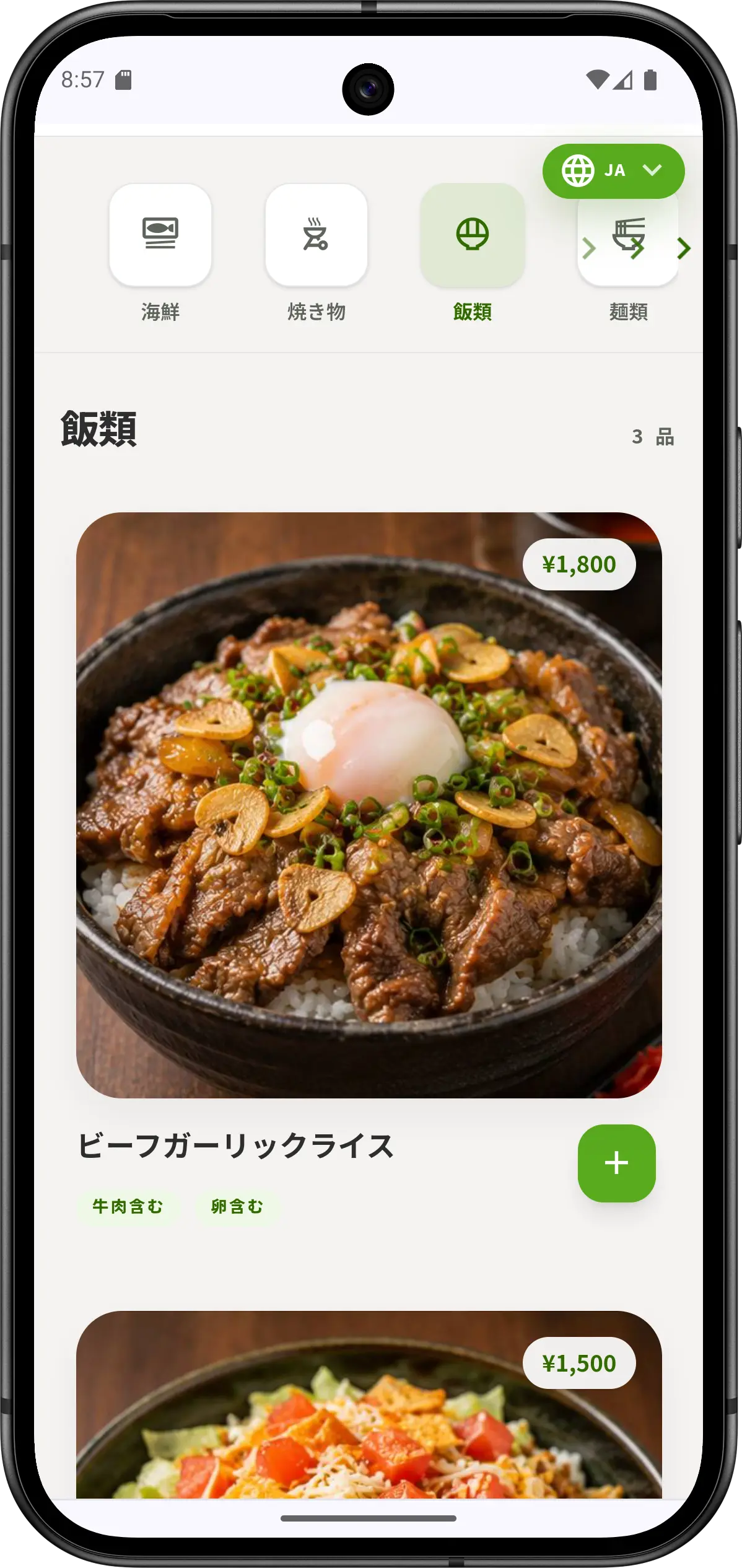
Qroda メニュー画面
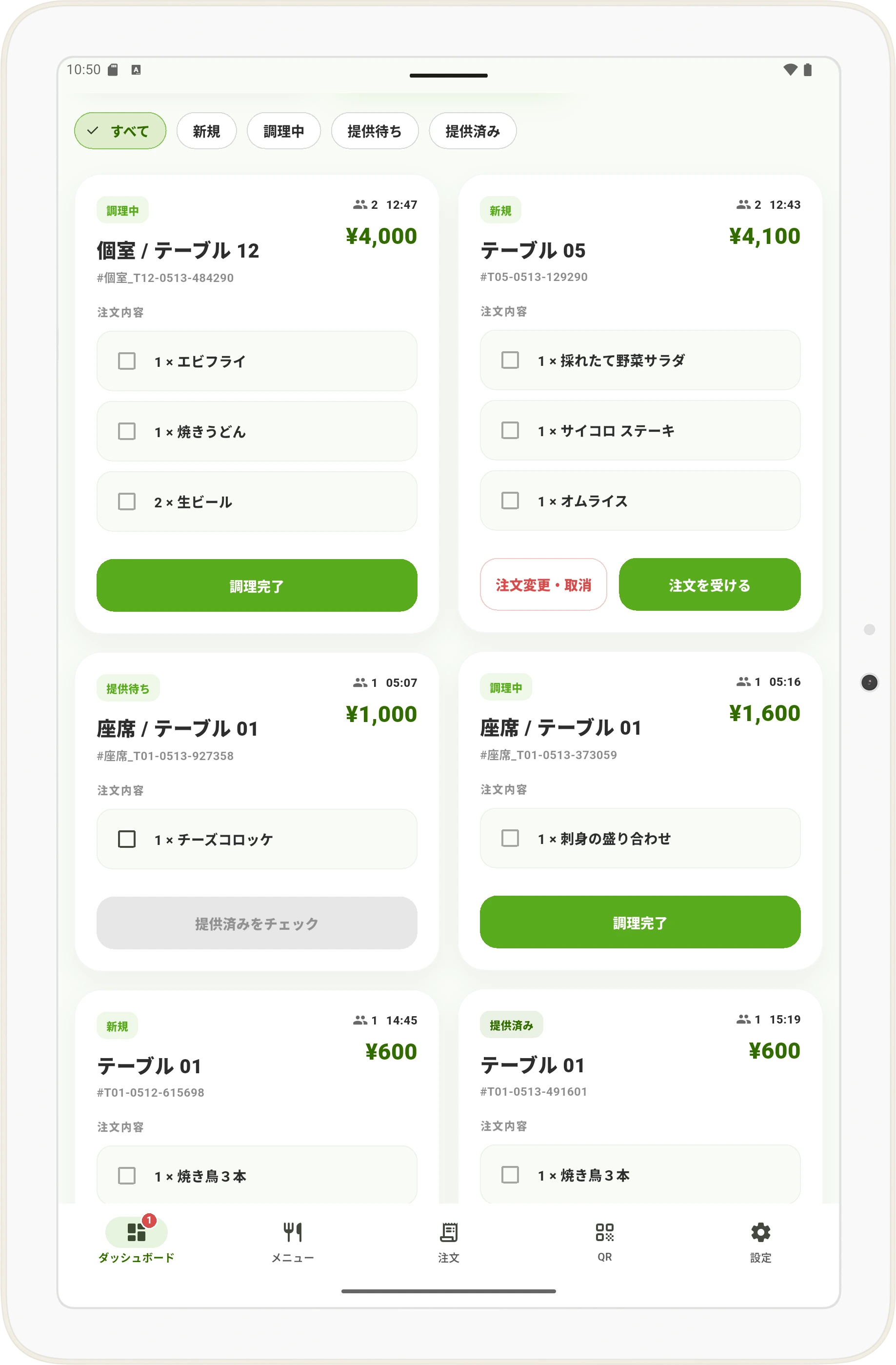
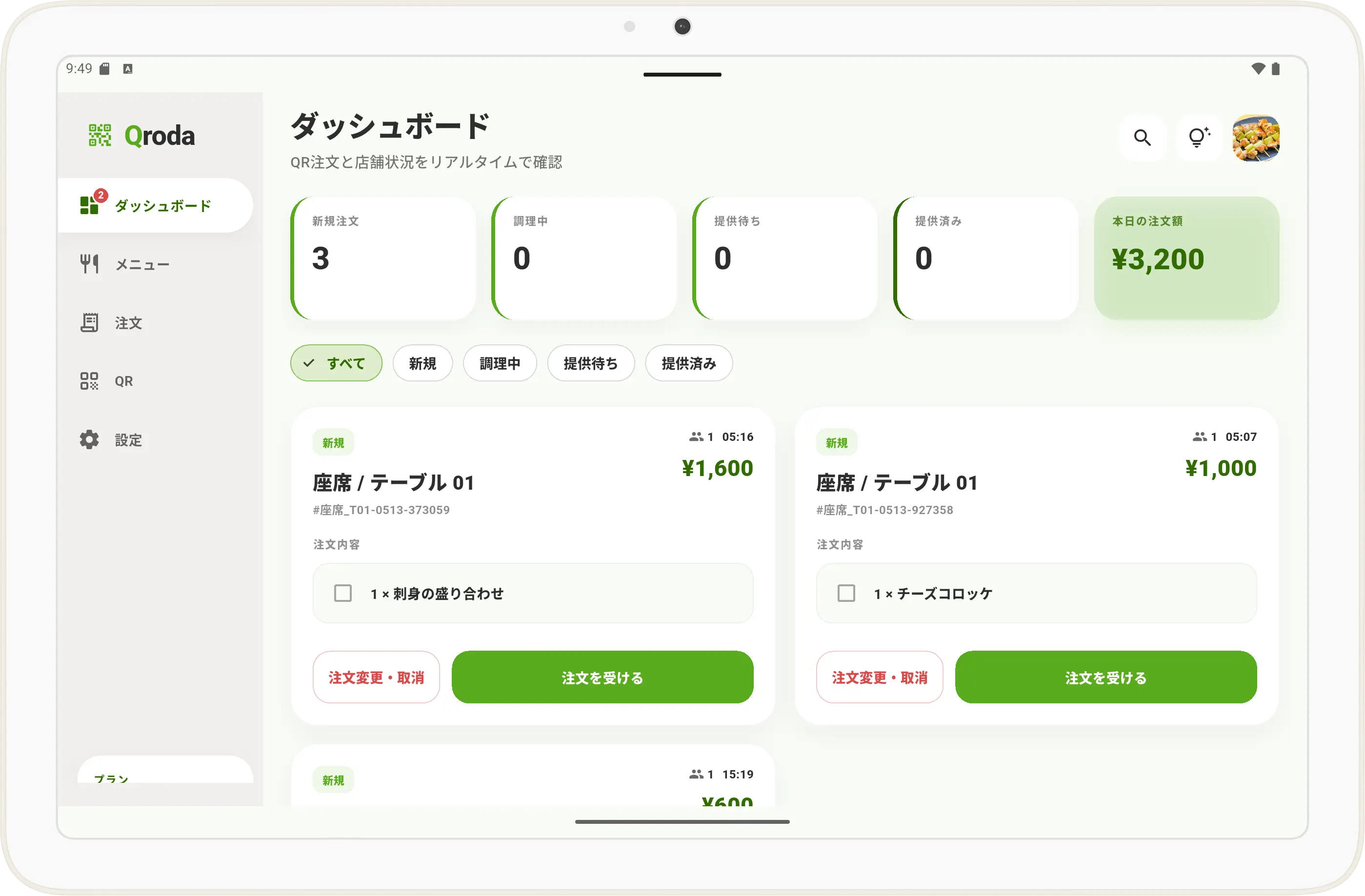
Qroda ダッシュボード画面
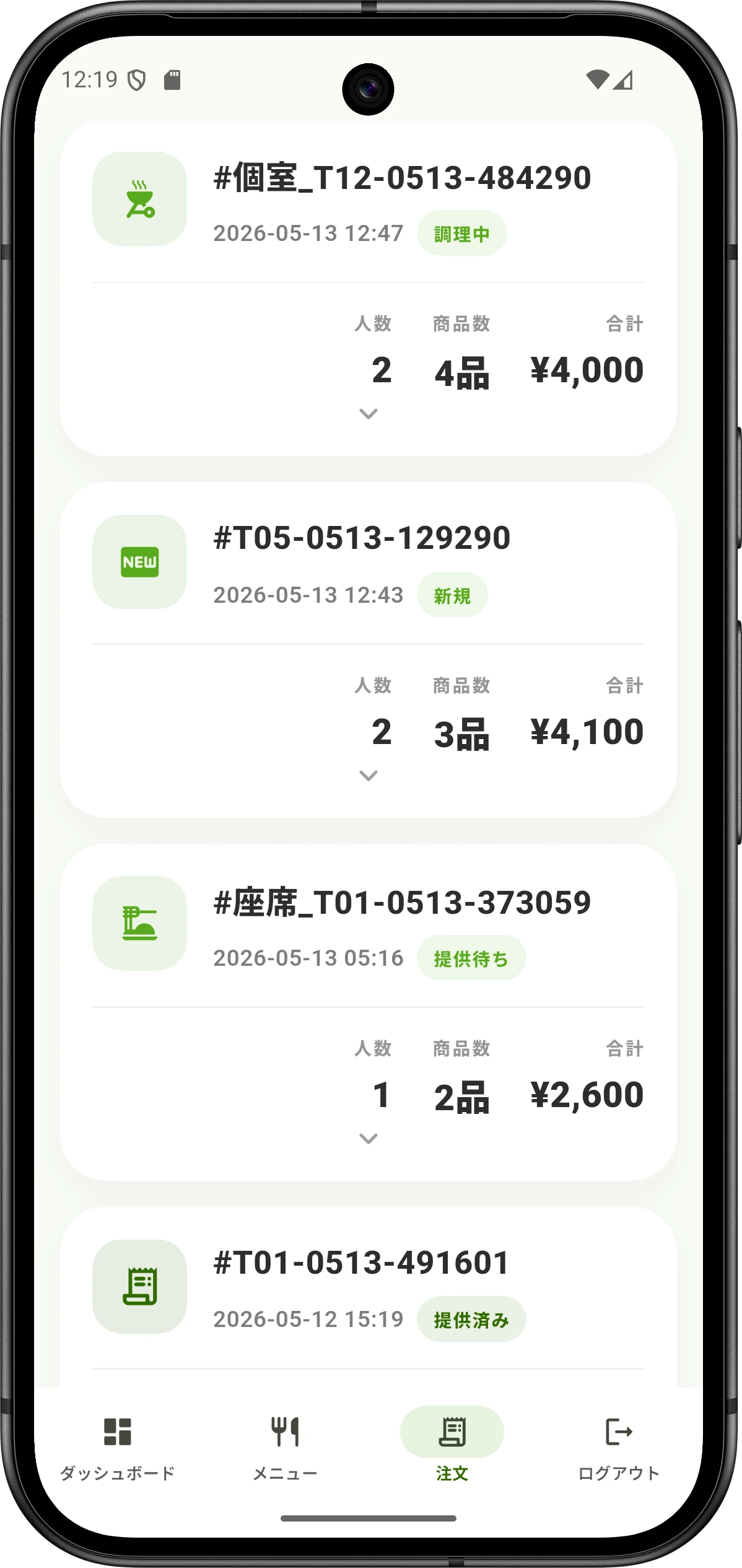
Qroda 注文管理画面
現場の課題を、スマホ注文で解決 Solve operation pressure with QR ordering

忙しい時間帯の注文対応を、もっとシンプルに。 Make busy service hours easier to control.

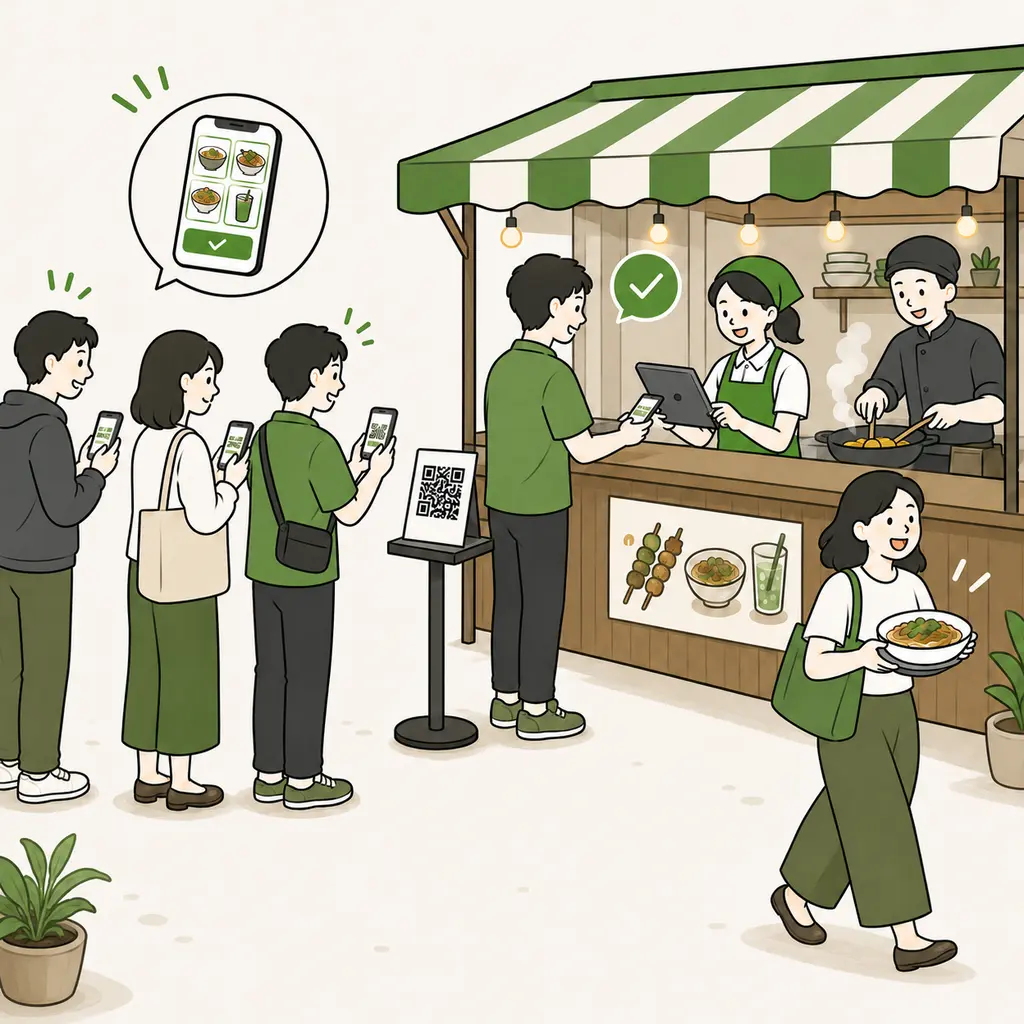
Qrodaなら、お客様が自分のスマホでメニューを見て注文できます。スタッフは聞き取りや入力作業を減らし、料理提供と接客に集中できます。 With Qroda, guests view the menu and place orders from their own phones. Staff can reduce manual order taking and focus on serving food and customers.

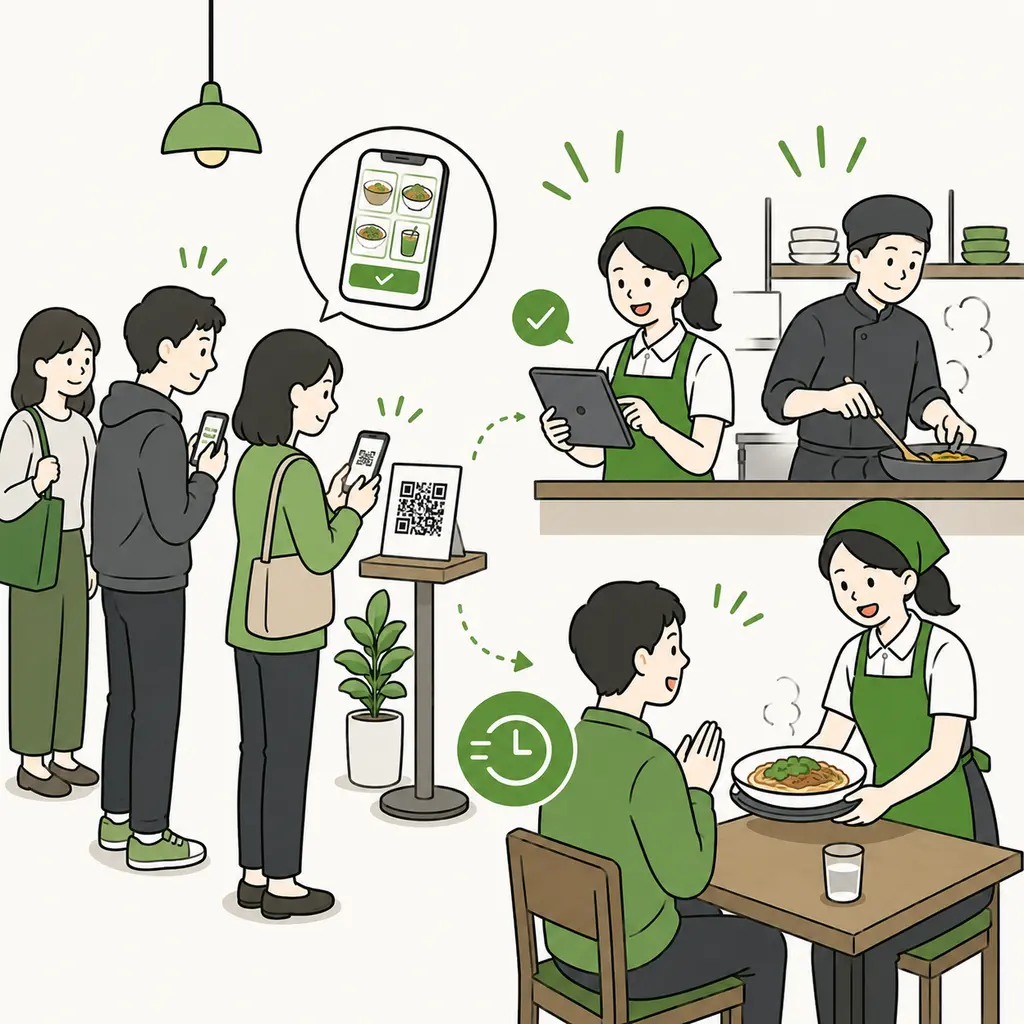
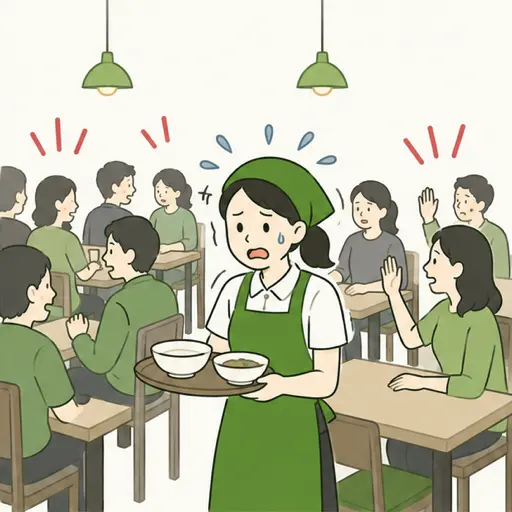
よくある現場課題 Common operation issue 忙しい店内でスタッフが注文対応に追われているイラスト

注文が集中すると、スタッフの負担が一気に増える。 When orders rush in, staff workload rises fast.

ランチやピークタイムは、注文確認・聞き間違い・追加注文対応が重なり、提供スピードにも影響します。 During lunch and peak hours, order taking, mistakes, and extra requests can slow down service.

  • !注文を聞くために何度もテーブルへ移動Repeated table visits just to take orders
  • !聞き間違いや入力ミスが発生しやすいHigher risk of misheard or mistyped orders
  • !外国語メニュー対応に時間がかかるMultilingual menu support takes extra time
Qrodaで解決 Solved by Qroda Qrodaのスマホ向けQRメニュー画面

お客様がQRから注文。スタッフは管理画面で確認。 Guests order by QR. Staff confirm from the dashboard.

メニュー表示、注文受付、ステータス管理をスマホ・タブレットで完結。小規模店舗でもすぐに導入できます。 Menu display, order intake, and status management work on phones and tablets. Small shops can start quickly.

  • QRメニューから直接注文Direct ordering from the QR menu
  • 注文状況をリアルタイムで確認Real-time order status checking
  • 日本語・英語など多言語メニューに対応Multilingual menu support including Japanese and English
管理の負担 Management burden 店舗オーナーが注文や売上管理に悩んでいるイラスト

注文・売上・席の状況が分かれ、管理に時間がかかる。 Orders, sales, and table status are hard to track together.

紙の注文、口頭確認、会計メモが分かれていると、ピーク後の確認や集計にも時間がかかります。 When orders, verbal updates, and payment notes are separated, checking and summarizing after peak hours takes more time.

  • !注文状況をすぐ確認できないOrder status is not easy to confirm
  • !売上やテーブル状況の把握に時間がかかるSales and table status take time to check
  • !スタッフ間の共有が遅れやすいStaff updates can be delayed
Qrodaで一元管理 Managed in Qroda Qrodaのタブレット向け注文管理ダッシュボード画面

注文状況をダッシュボードでまとめて確認。 Check order status from one dashboard.

新規、調理中、提供待ち、提供済みをタブレットで確認。店舗全体の動きが見えやすくなります。 Track new, preparing, ready, and served orders on a tablet. It becomes easier to see the whole shop flow.

  • 注文ステータスを一覧で確認View order statuses in one list
  • テーブル別の注文内容を管理Manage orders by table
  • スタッフ間で状況を共有しやすいEasier status sharing between staff
店舗規模に合わせて使える Fits different shop sizes

小さなお店から中規模・大型店舗まで、Qrodaの使い方はシンプル。 From small shops to mid-size and larger restaurants, Qroda stays simple.

Qrodaは、1台のタブレットでも、複数台のタブレットでも運用できます。店舗の人数や席数に合わせて、注文確認・調理・提供の流れを作れます。 Qroda can work with one tablet or several tablets. Match order checking, cooking, and serving to your shop size.

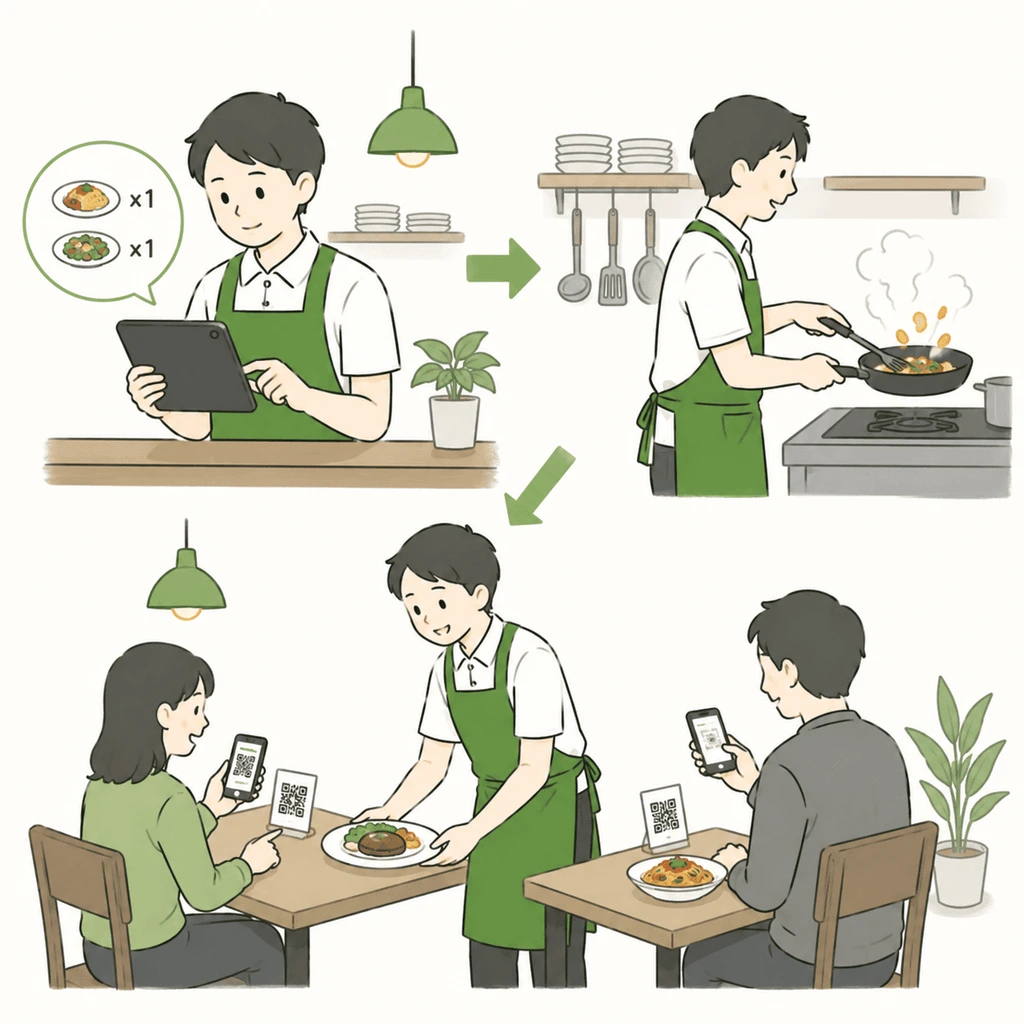
1人で営業する小さな店舗でQrodaを使う流れ
小規模店舗 Small shop

1人営業でも、注文確認から調理・提供まで見やすい。 For one-person shops, orders are easy to check, cook, and serve.

お客様はQRから注文。店主は1台のタブレットで注文内容を確認し、そのまま調理と提供に進めます。聞き間違いや手書きメモを減らせます。 Guests order from the QR menu. The owner checks orders on one tablet, then cooks and serves. This reduces manual notes and order mistakes.

  • 1台のタブレットで注文を確認 Check orders with one tablet
  • 店主が調理と提供に集中しやすい Owner can focus on cooking and serving
  • 小さなカフェ・バー・個人店に使いやすい Good for small cafes, bars, and owner-run shops
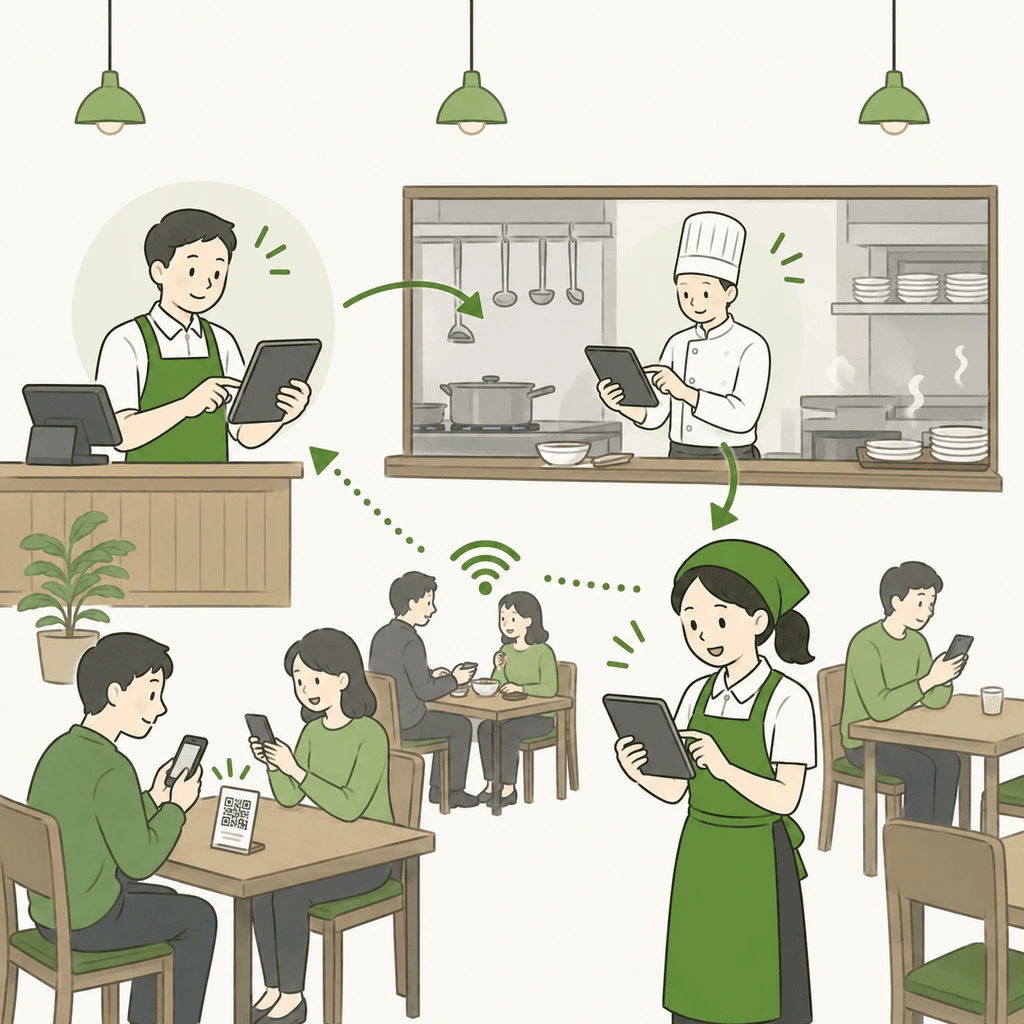
中規模店舗でレジ、キッチン、ホールの3台のタブレットを使う流れ
中規模・大型店舗 Mid-size and larger shops

レジ・キッチン・ホールで注文状況を共有。 Share order status across cashier, kitchen, and hall.

レジ、キッチン、ホールにタブレットを置けば、スタッフ全員が同じ注文状況を確認できます。調理中、提供待ち、提供済みの流れを共有しやすくなります。 Place tablets at the cashier, kitchen, and hall so staff can see the same order status. Preparing, ready, and served updates become easier to share.

  • 3台のタブレットで役割別に確認 Use three tablets by role
  • キッチンとホールの連携を改善 Improve kitchen and hall coordination
  • 席数が多い店舗でも状況を把握しやすい Useful when managing more tables