Qroda QR menu and table ordering app for phones and tablets
QR menu and table ordering app for phones and tablets
verified_userFree trial
credit_card_heartSimple pricing
smartphoneStart with just a phone
Solve operation pressure with QR ordering
Make busy service hours easier to control.
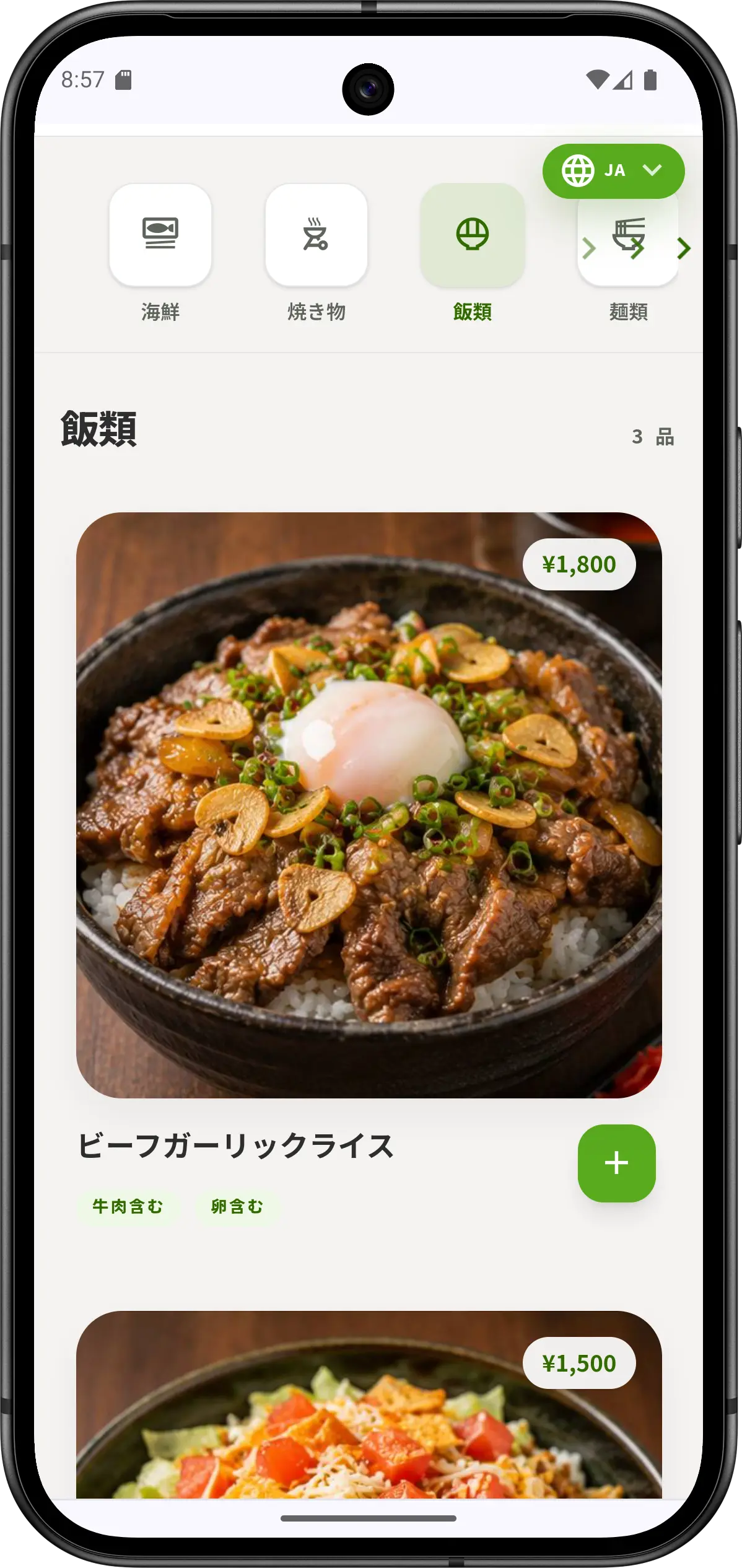
With Qroda, guests view the menu and place orders from their own phones. Staff can reduce manual order taking and focus on serving food and customers.
Common operation issue
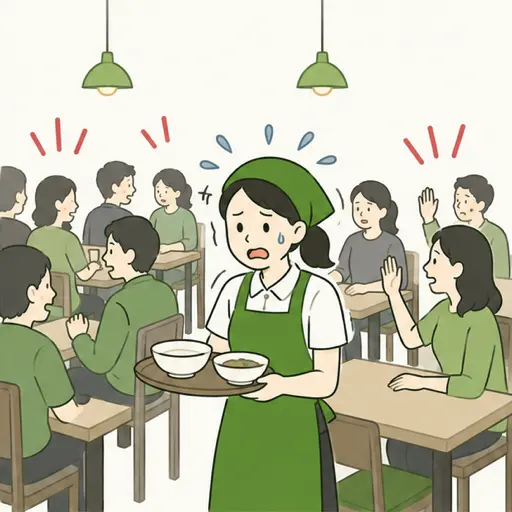
When orders rush in, staff workload rises fast.
During lunch and peak hours, order taking, mistakes, and extra requests can slow down service.
!Repeated table visits just to take orders
!Higher risk of misheard or mistyped orders
! Helping foreign guests slows everything down
Solved by Qroda
Guests order by QR. Staff confirm from the dashboard.
Menu display, order intake, and status management work on phones and tablets. Small shops can start quickly.
✓Direct ordering from the QR menu
✓Real-time order status checking
✓Multilingual menu support including Japanese and English
Management burden
Orders, sales, and table status are hard to track together.
When orders, verbal updates, and payment notes are separated, checking and summarizing after peak hours takes more time.
!Order status is not easy to confirm
!Sales and table status take time to check
!Staff updates can be delayed
Managed in Qroda
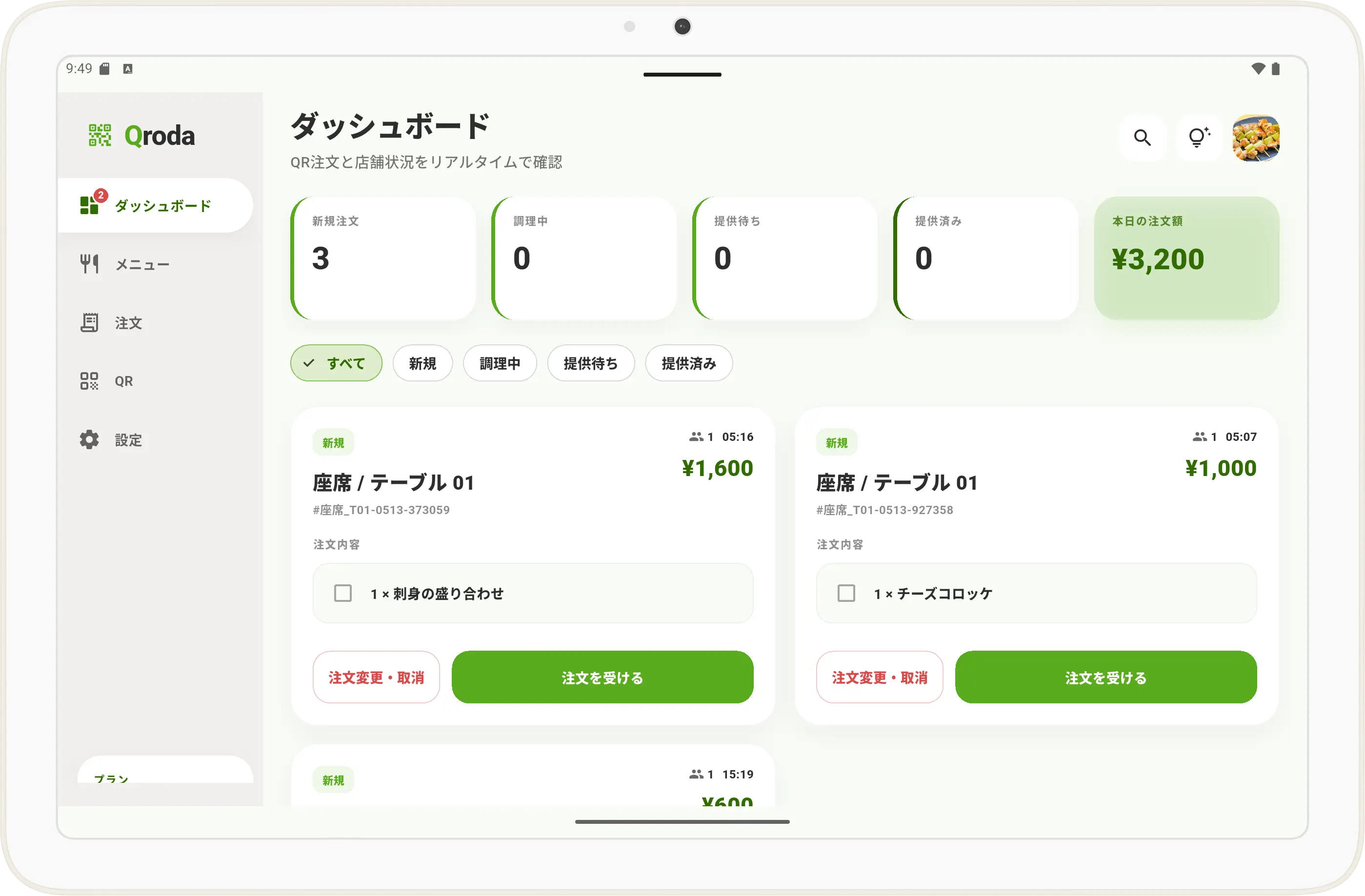
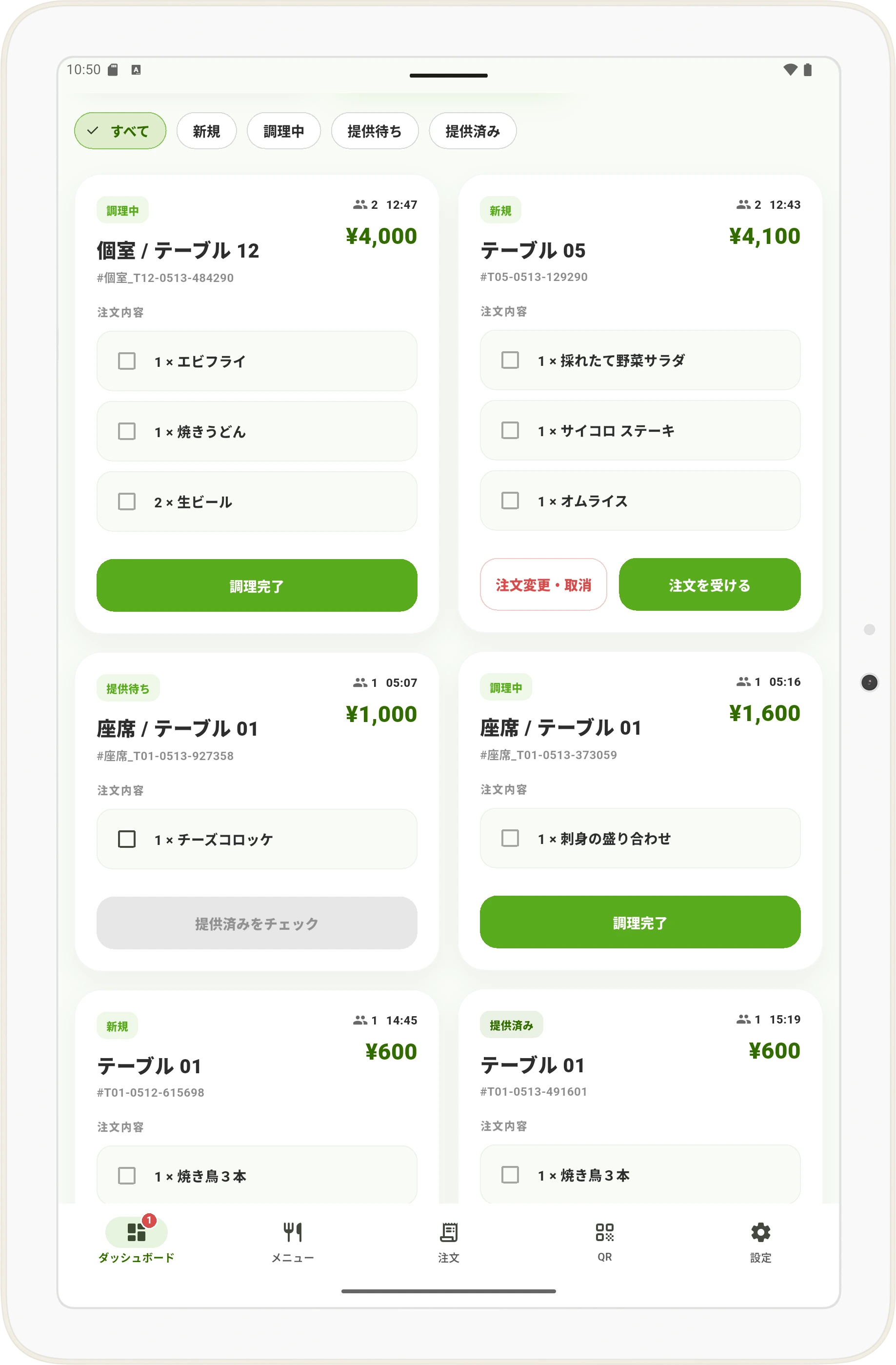
Check order status from one dashboard.
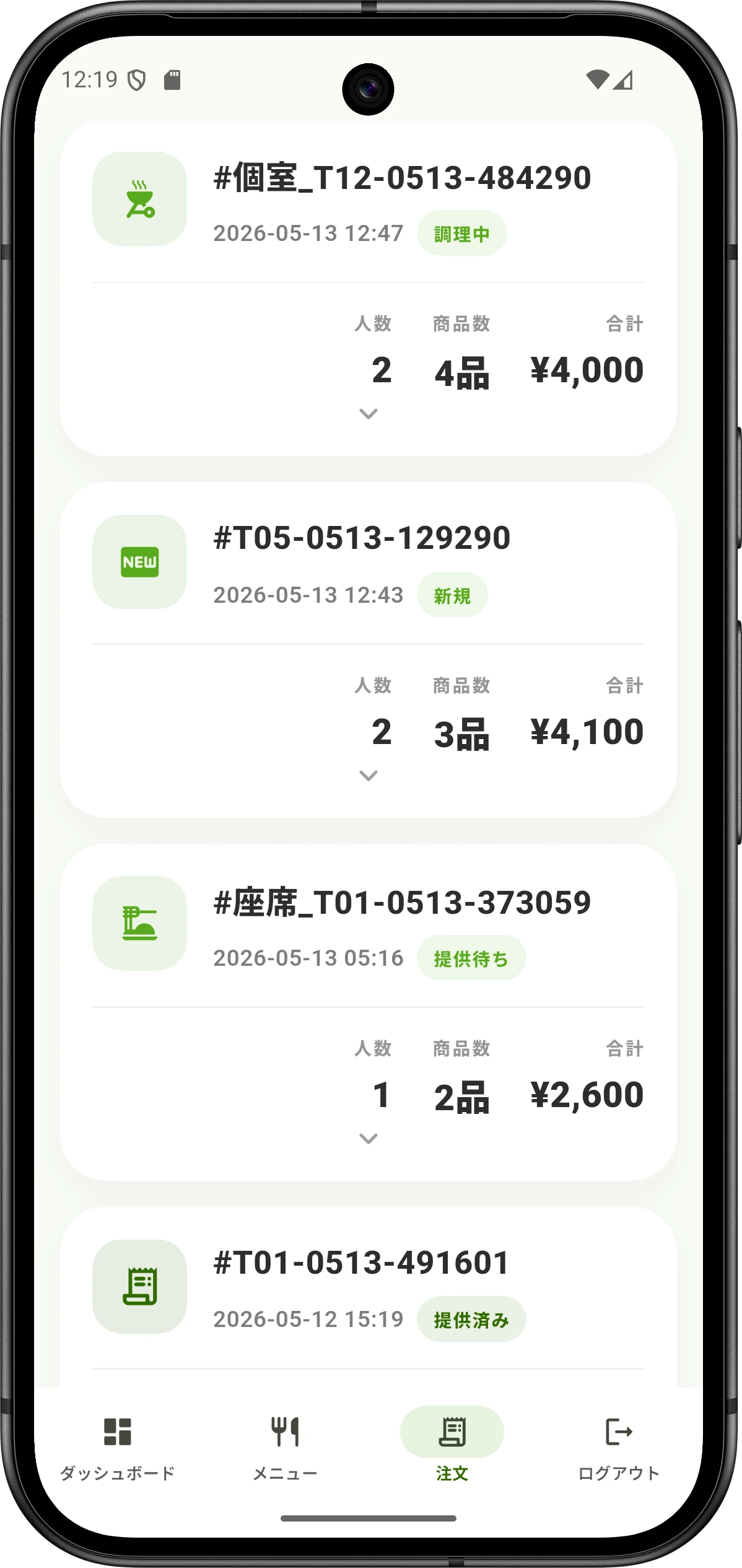
Track new, preparing, ready, and served orders on a tablet. It becomes easier to see the whole shop flow.
✓View order statuses in one list
✓Manage orders by table
✓Easier status sharing between staff
arrow_downward
Fits different shop sizes
From small shops to mid-size and larger restaurants, Qroda stays flexible.
Qroda can work with one tablet or several tablets. Match order checking, cooking, and serving to your shop size.
Small shop
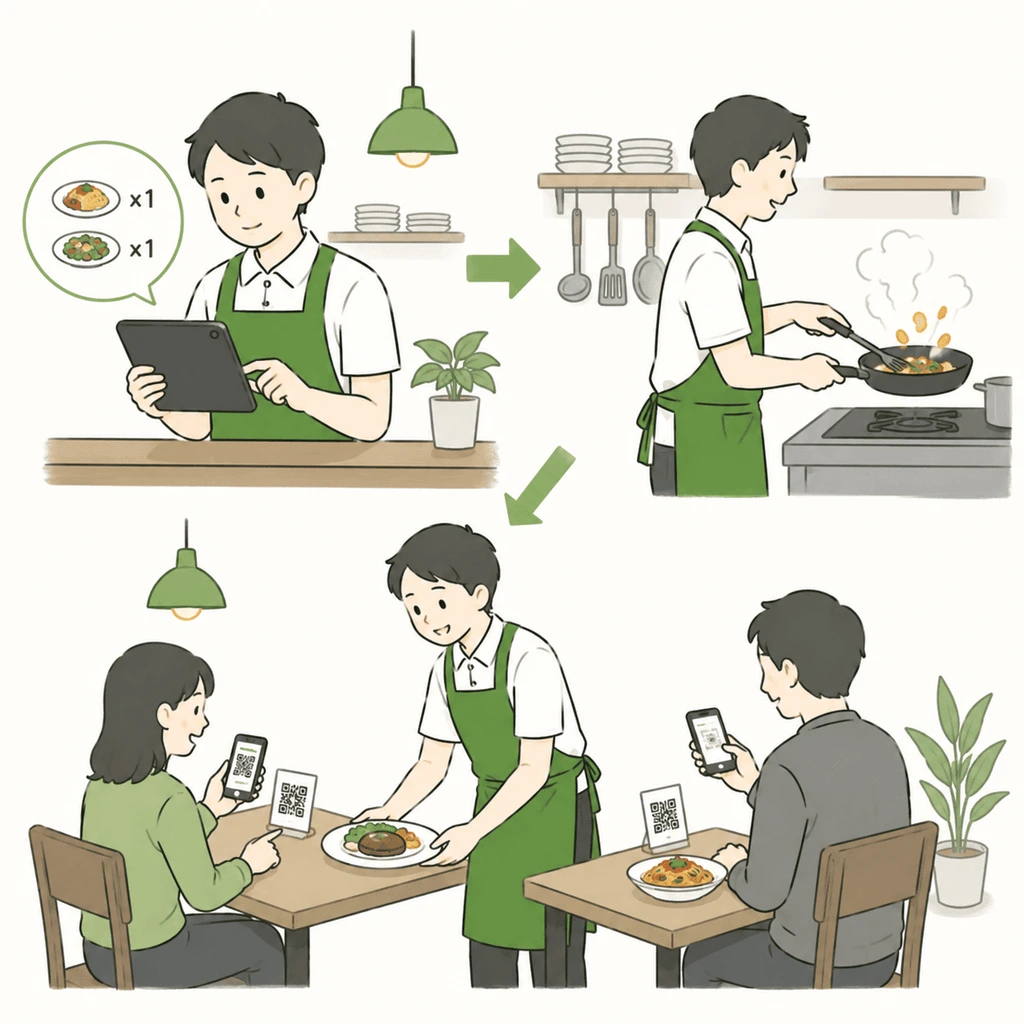
For one-person shops, handling orders and serving is simple.
Guests order from the QR menu. The owner checks orders on one tablet, then cooks and serves. This reduces manual notes and order mistakes.1
✓Check orders with one tablet2
✓Owner can focus on cooking and serving
✓Good for small cafes, bars, and owner-run shops
Mid-size and larger shops
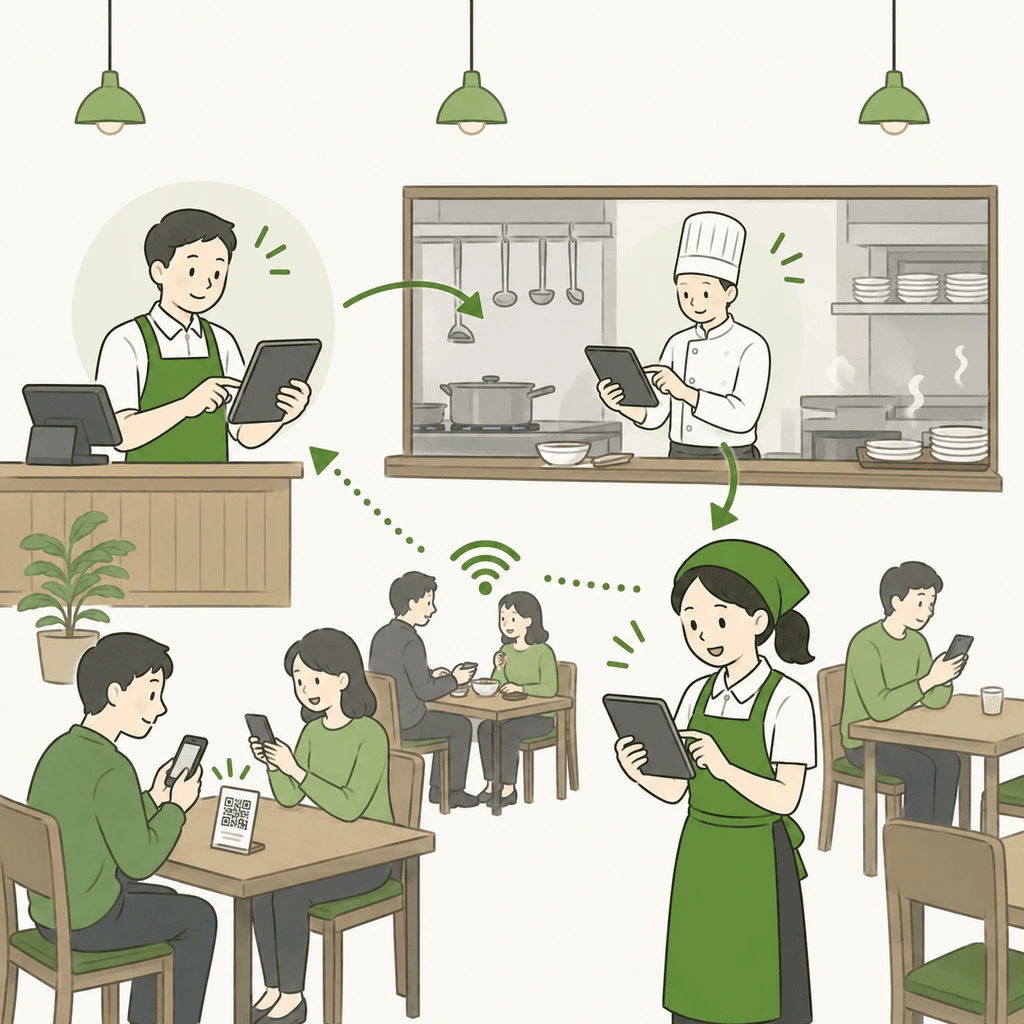
Share order status across cashier, kitchen, and hall.
Place tablets at the cashier, kitchen, and hall so staff can see the same order status. Preparing, ready, and served updates become easier to share.
✓Use three tablets by role3
✓Improve kitchen and hall coordination
✓Useful when managing more tables
1 For better visibility, tablet use is recommended. 2 The admin account can use all features. 3 Staff accounts can be added for multi-device operation.
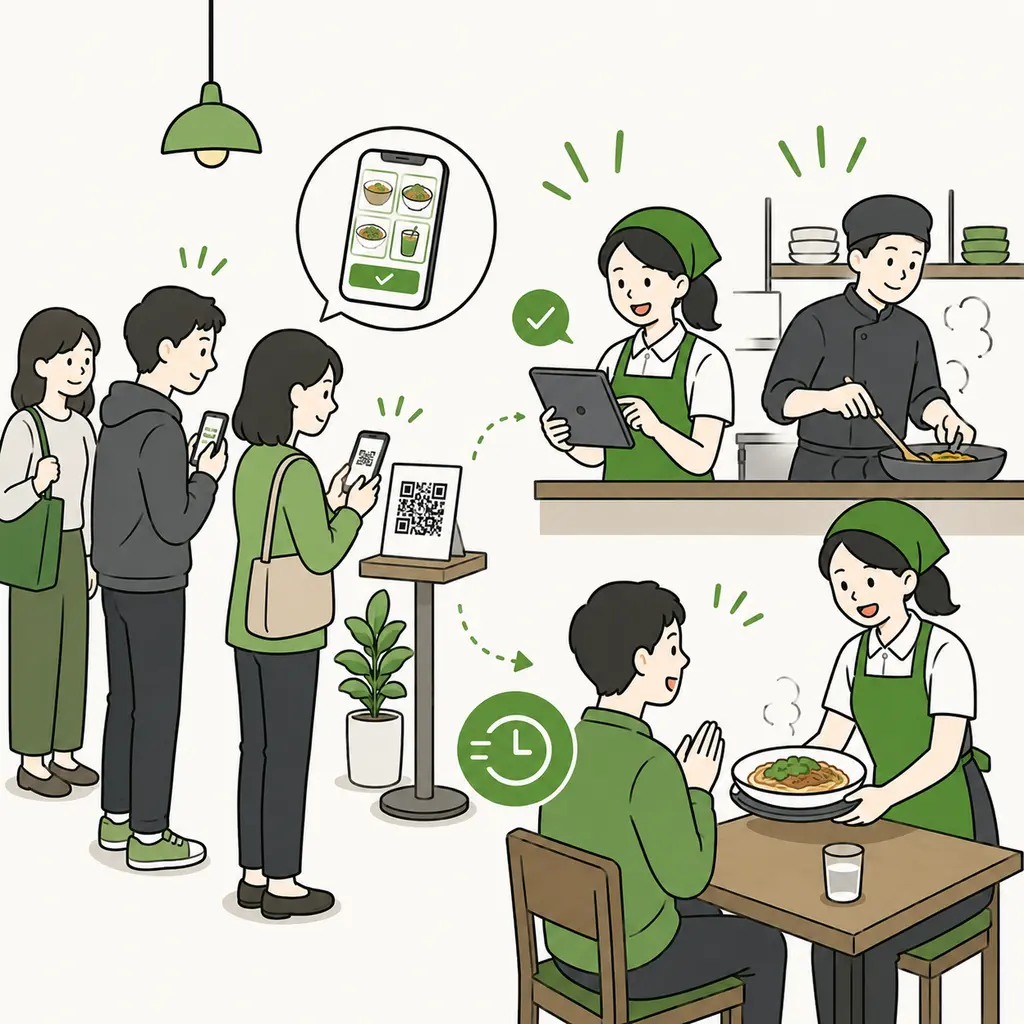
Queue pre-order
Order while queuing and reduce peak-time waiting.
Guests can scan the QR code while queuing, view the menu, and place an order before reaching the counter. Staff can see orders earlier, making it easier to prepare food and serve guests during busy hours.
✓Guests can use waiting time to order
✓Staff can check orders earlier
✓Reduce pressure during lunch and peak hours
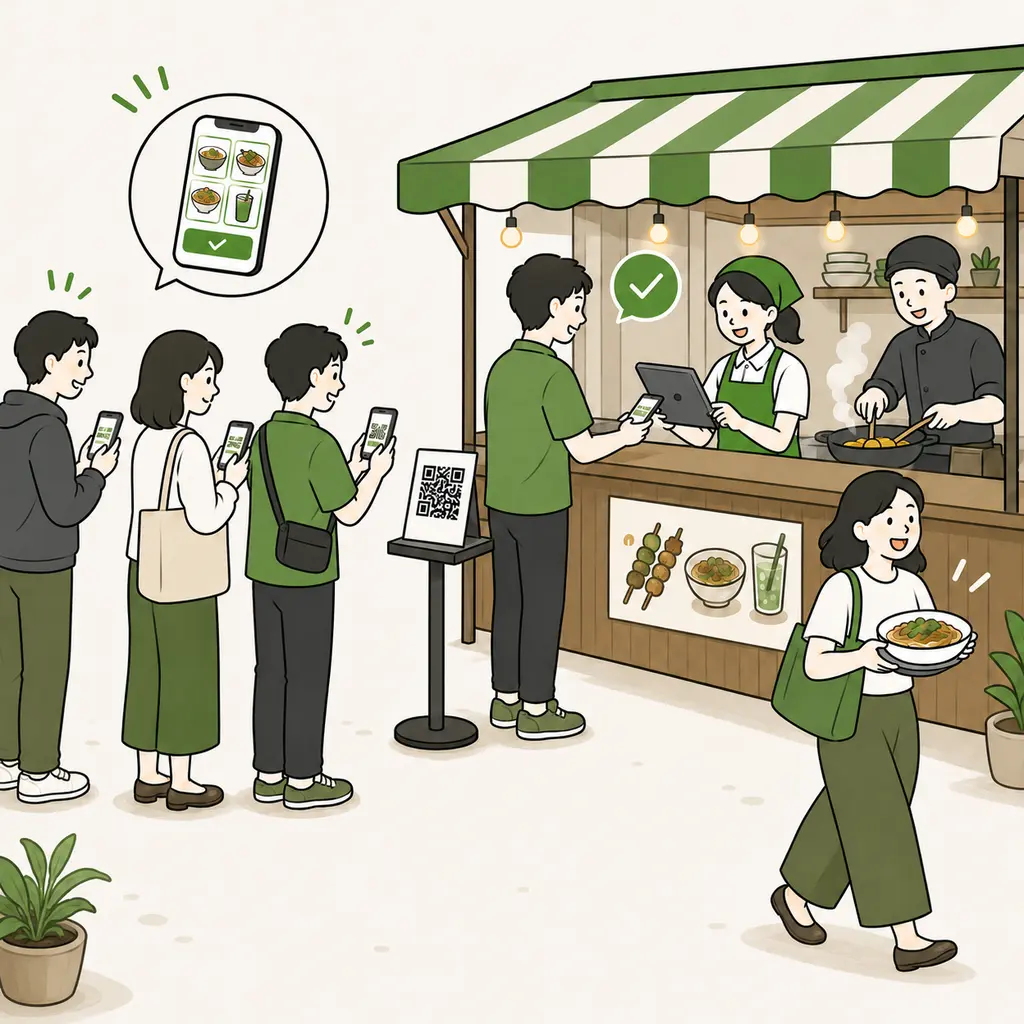
Hawker and event vendors
For events and festivals, order first, then pay and collect.
With the Hawker plan, guests can place orders through QR before reaching the counter, then proceed to payment and collection. Ideal for hawkers, food trucks, festivals, and other busy situations where many orders arrive at once.
✓Order first by QR, then pay and collect smoothly
✓Useful for events, festivals, stalls, and food trucks